

Part Production Cell — MES & OEE
OpenPLC, Ignition Perspective and SQLite: order in events, KPIs and downtime causes.

Fynza was a small product with a useful constraint: ship fast, keep the scope focused, and learn the full path from design to App Store release.
I worked with a marketer, studied the niche, simplified the core expense flow, and built the app myself instead of stopping at mockups.
The project covered UX, SwiftUI implementation, branding, App Store assets, onboarding, and paywall logic — a compact end-to-end release.


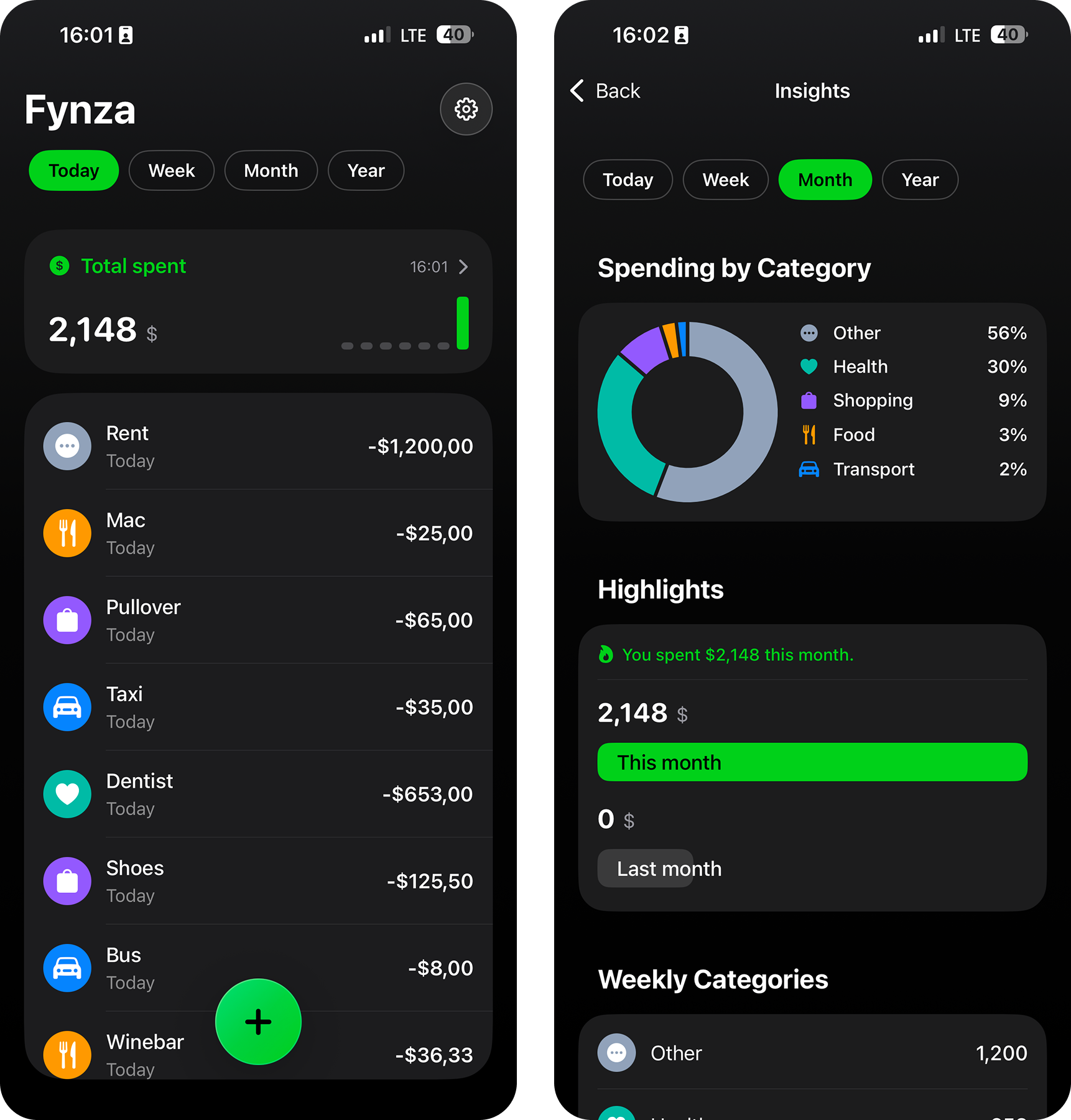
I started with the smallest useful expense flow: one clear home entry, fast adding, optional analytics, and minimal settings. The goal was not to copy finance apps, but to keep the product easy to understand and quick to ship.

I want to quickly see spending for the period. I want to know the total. To understand how much I spend.
I want to add an expense in a few seconds. Enter amount. Pick a category or create one. So I can easily read the list and charts later.
I want to check summaries from time to time. I want to see spending structure. To understand the trend and not rely on gut feeling.
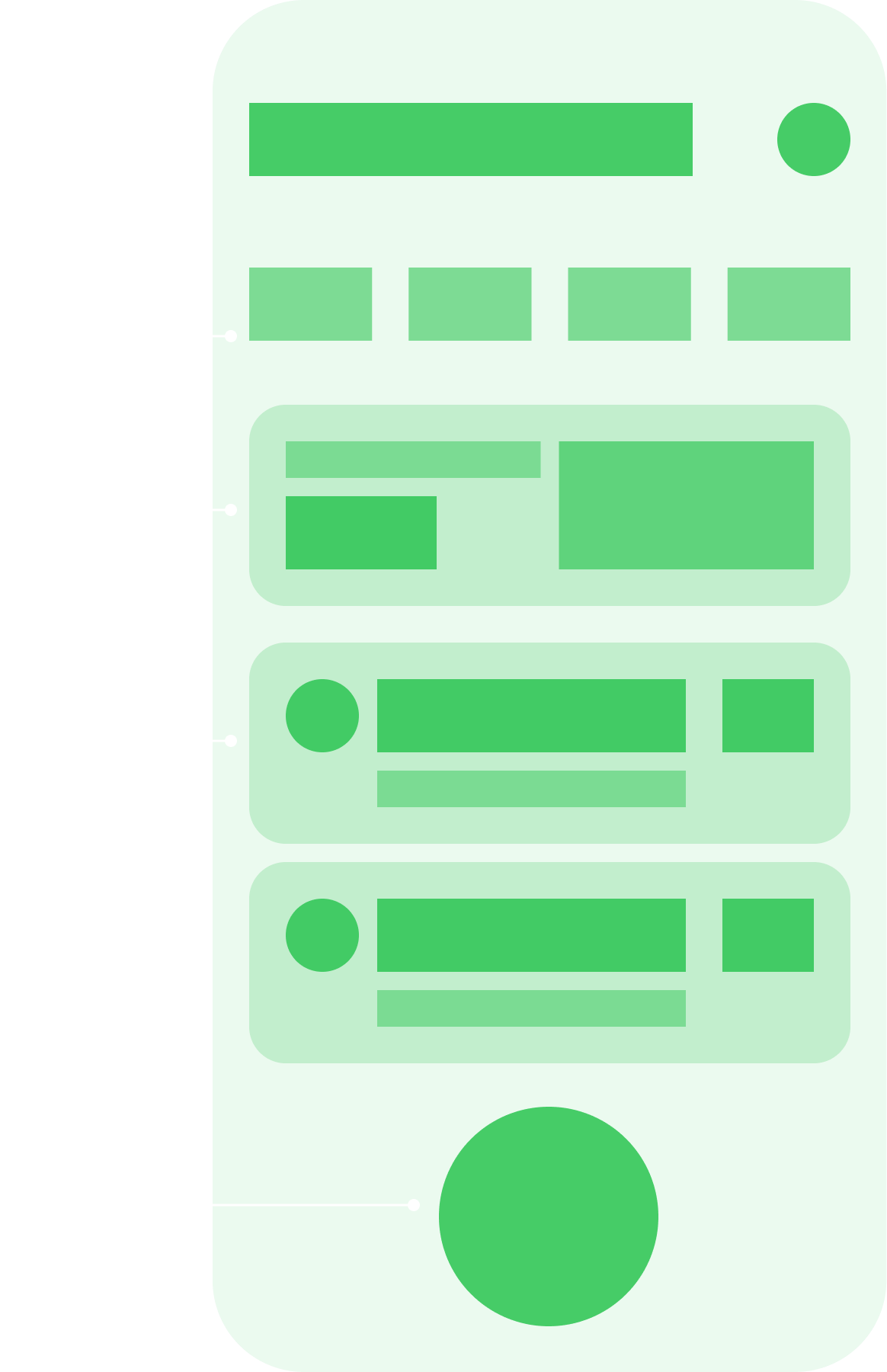
I built the app shell in Xcode, structured screens, and used AI-assisted development carefully rather than treating it as autopilot. The process forced me to understand SwiftUI, fix UIKit issues, and keep the implementation close to the original product logic.

At first I trusted AI. Wanted to build fast and painlessly. Spoiler: the pain still came.
While learning, I kept changing approach. One way, then another. Ended up with something that looked like an app. But the design had to stay flexible. Lacked practice and didn’t want to box myself in.
After experiments, returned to the original idea. Laid it out by hand. By then I understood the syntax. And knew where to look and what to fix.
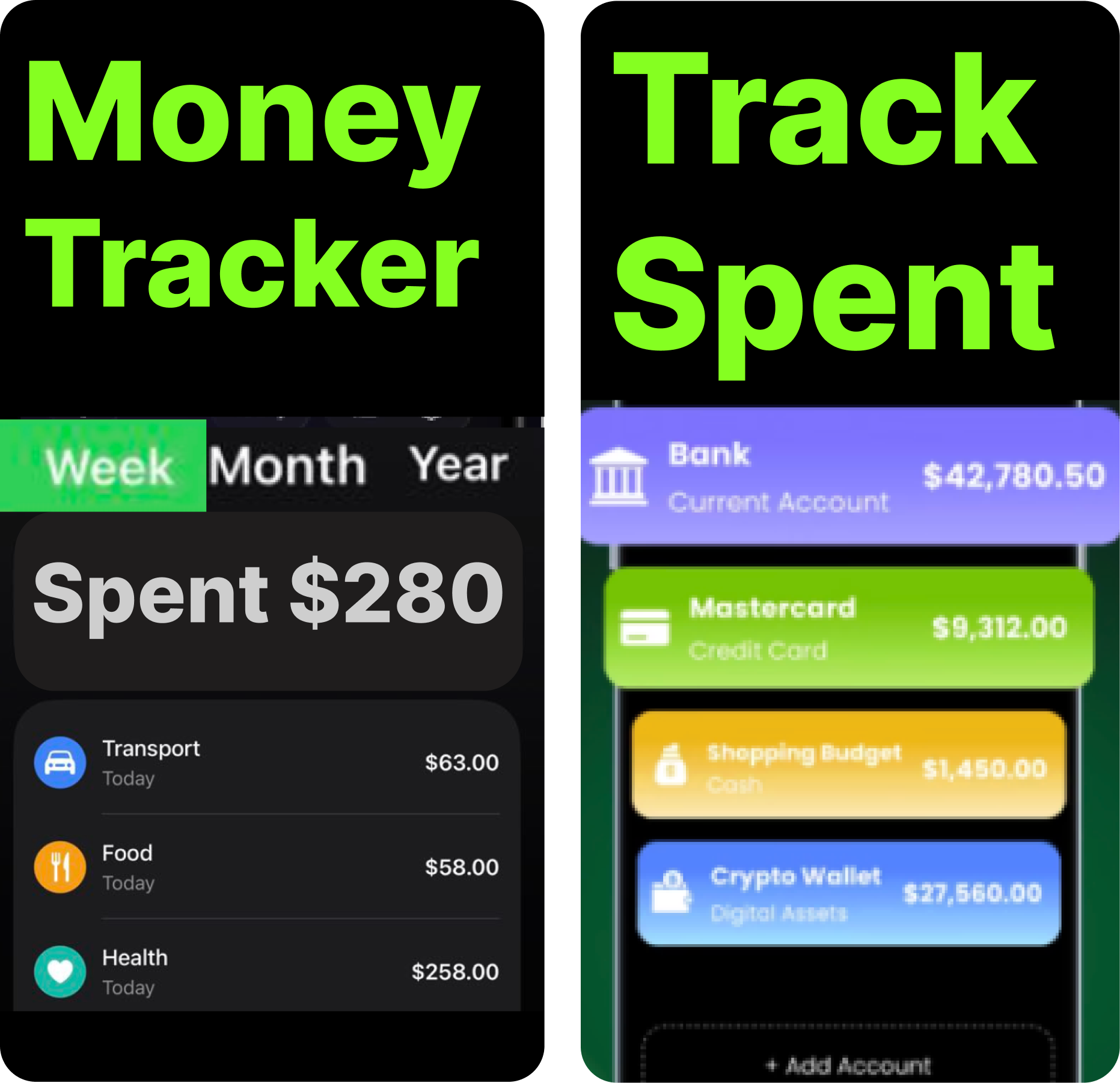
I underestimated this at first. Then realized a simple thing: without packaging, the app won’t be seen. Looked at competitors. How they frame the value. What screens they use. What they put in the first seconds. Discussed a lot with the marketer on how to sell it.

First shock was strong. Some references looked like scams. But that’s part of the market too.
Tried to mix aggressive patterns with my content. Felt odd. I’m used to whitespace and calm colors.
Found a compromise. Made bigger headings and stronger elements, but didn’t turn it into a banner. Toned down the background. Softened the layout with cards. Left enough room for text.
Simple idea: dollar and scanner. Did it neatly with right proportions. For light and dark theme. Looks good on the home screen.
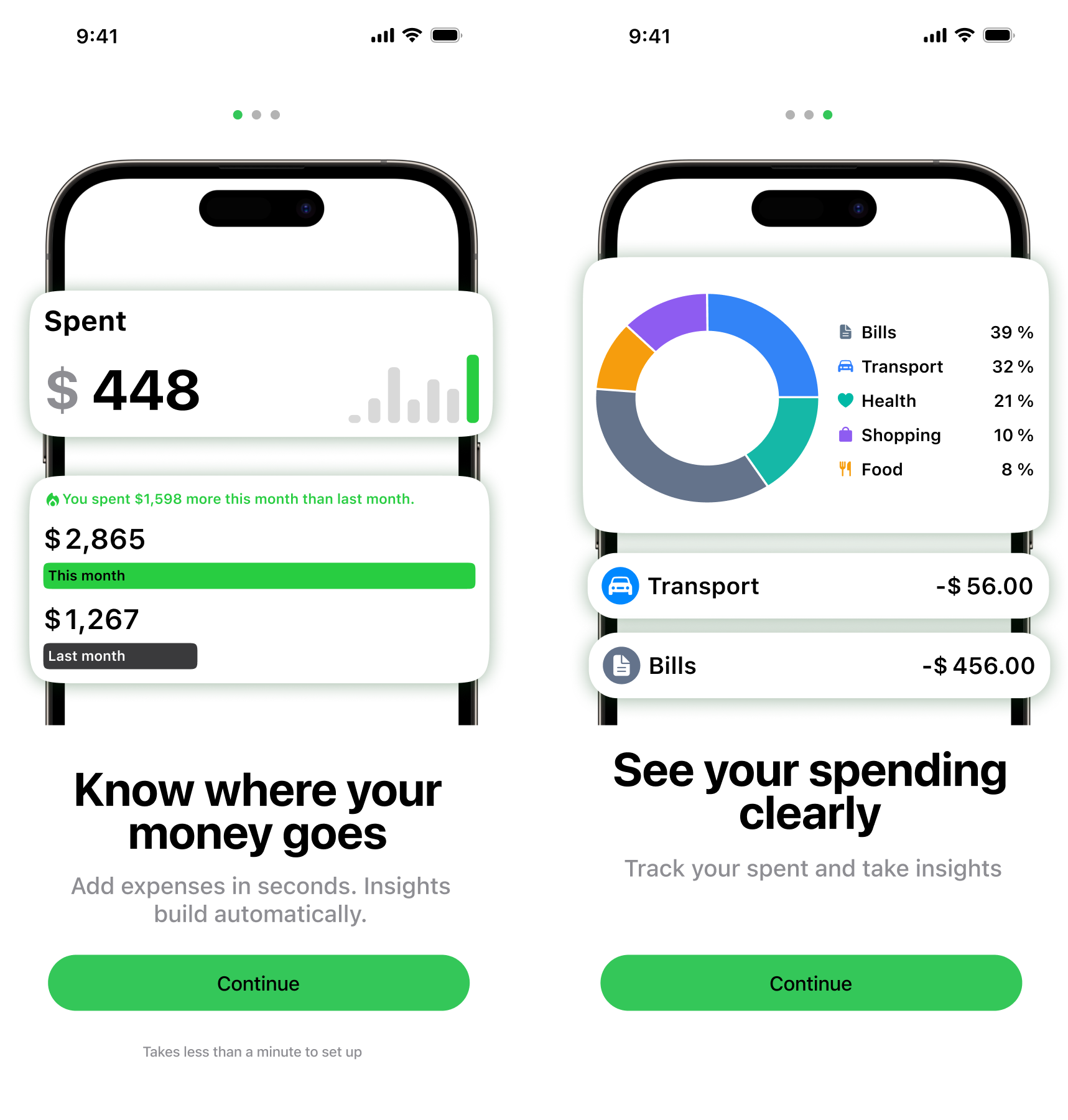
If someone has already downloaded — don’t lose the moment. Made a short three-screen onboarding. Then — paywall. Closed the app and added first expense — paywall again. Yes, it’s a trend. And yes, it works.

To avoid suffering with themes and translations, made a universal shell. It handles any text length.
Built one shell first. Filled content from code with static data. Faster to check logic.
Onboarding came together calmly. By then I had a sense of how to do it faster and with fewer mistakes.
Conclusions
OpenPLC, Ignition Perspective and SQLite: order in events, KPIs and downtime causes.

OpenPLC and Ignition: ladder logic, a Structured Text state machine, sensor feedback, and verifiable normal cycles.

Enterprise monitoring for a nuclear plant: system states, engineering constraints, and 3D storage logic.