

Part Production Cell — MES & OEE
OpenPLC, Ignition Perspective and SQLite: order in events, KPIs and downtime causes.

Trackly is a compact iOS product, but the design work was still about product discipline: choose the core scenario, remove distractions, and make daily use feel light.
I designed the habit flow, progress states, onboarding, visual direction, and SwiftUI implementation so the app could move from concept to App Store quickly.
The focus was not feature volume. It was consistency, clear feedback, and a structure users can return to every day without feeling overloaded.


I started with the home screen and the main daily loop. The product needed to feel calm, so I kept progress visible without turning the app into a dashboard. Habit details live separately: users go deeper by choice, not by force.

I want to see habits and quickly mark completion. So I don’t keep everything in my head.
I want to add a habit in a few seconds. Pick a ready one or create my own. And start right away.
I want to see day, week, and month. To understand consistency, not rely on gut feeling.
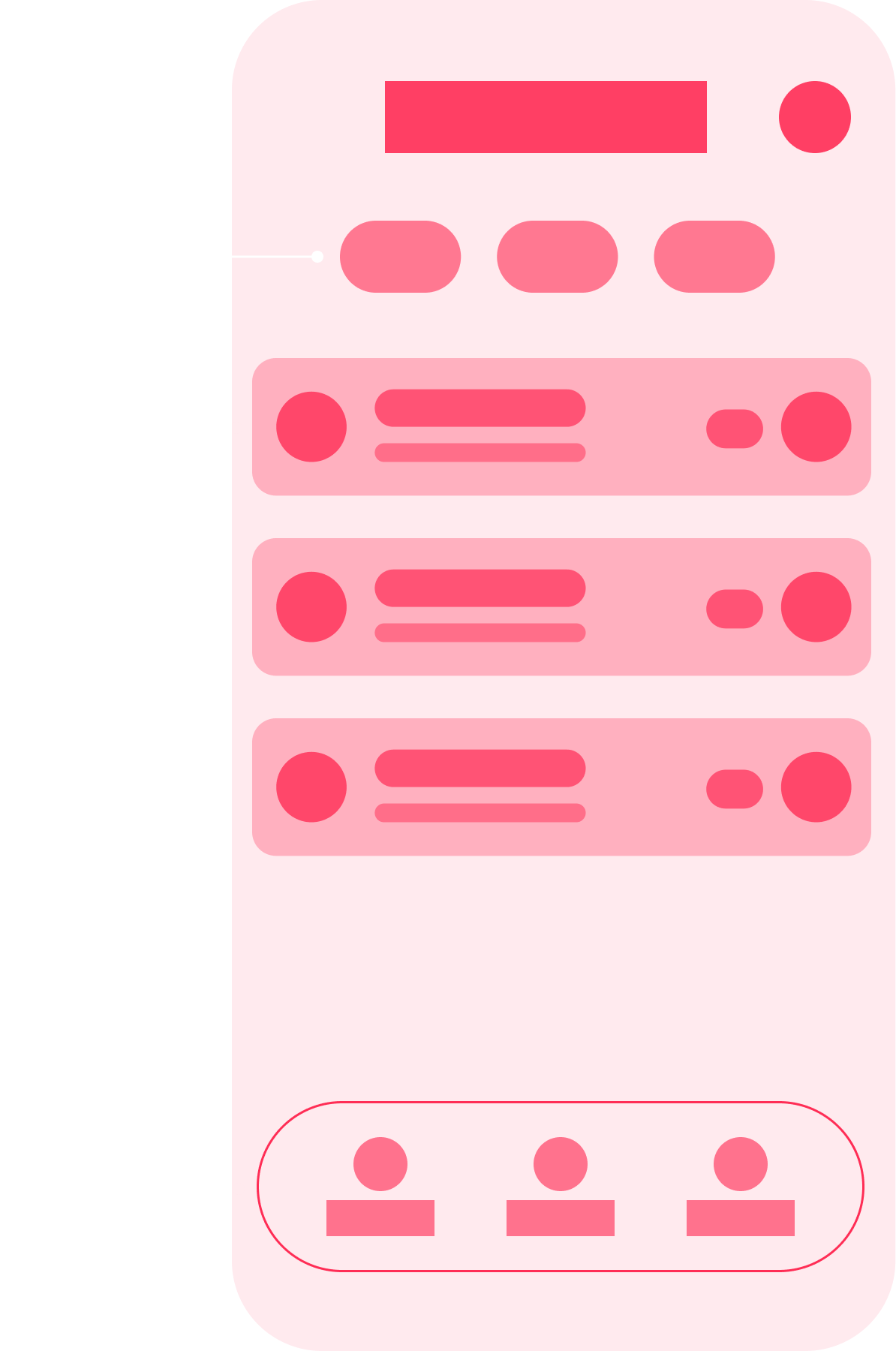
This time I started with logic, screen states, and scenarios before moving into design and code. Building the architecture myself made implementation more predictable and helped keep design decisions closer to the final app.

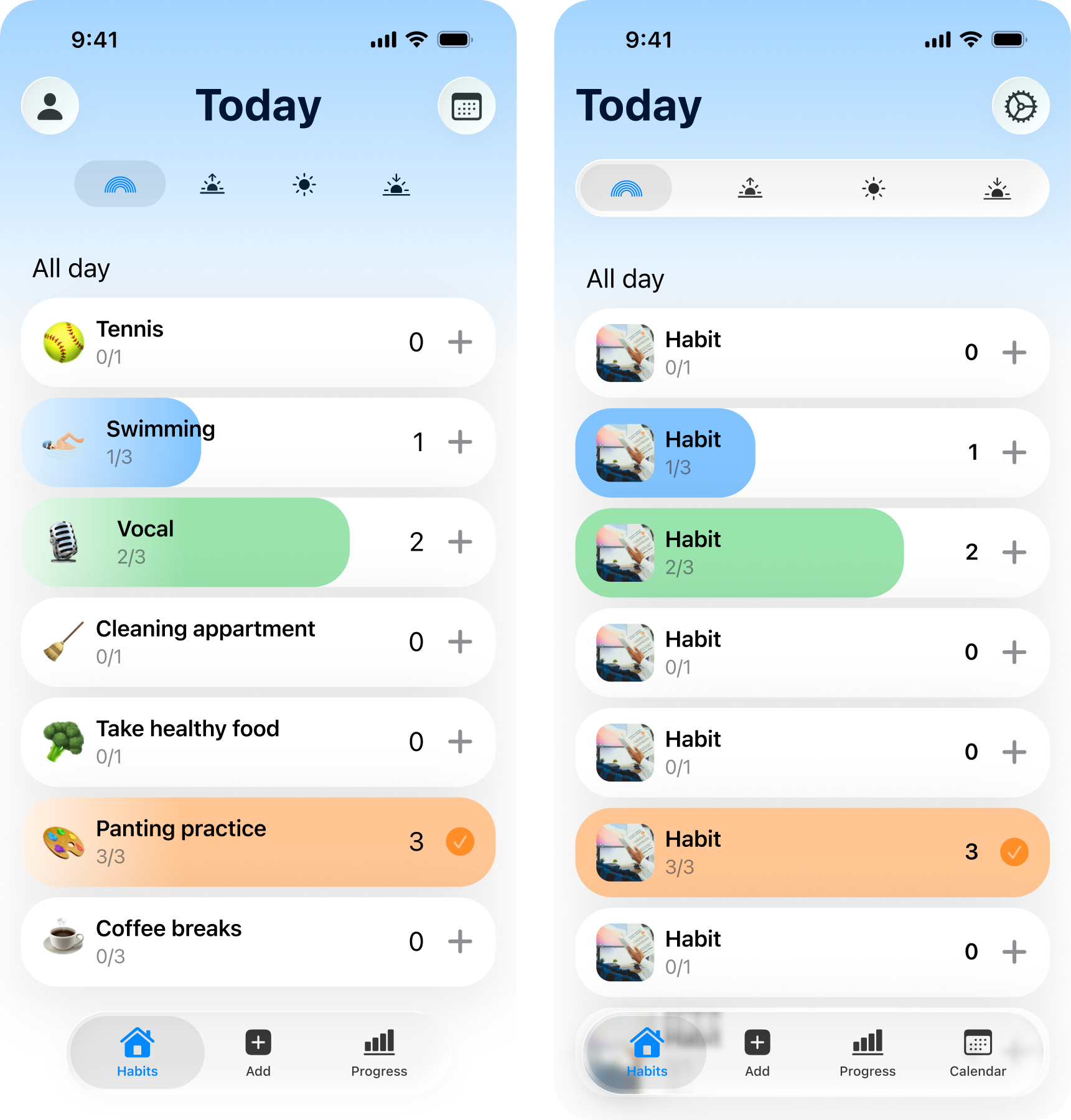
Started with basic iOS components. Wanted to see right away where standard solutions are enough and where custom is needed.
Built realistic screens and checked scenarios. Became clear what to simplify and where accents are missing.
Decided on periods and data. Added a details page and visual markers. State reads at a glance.
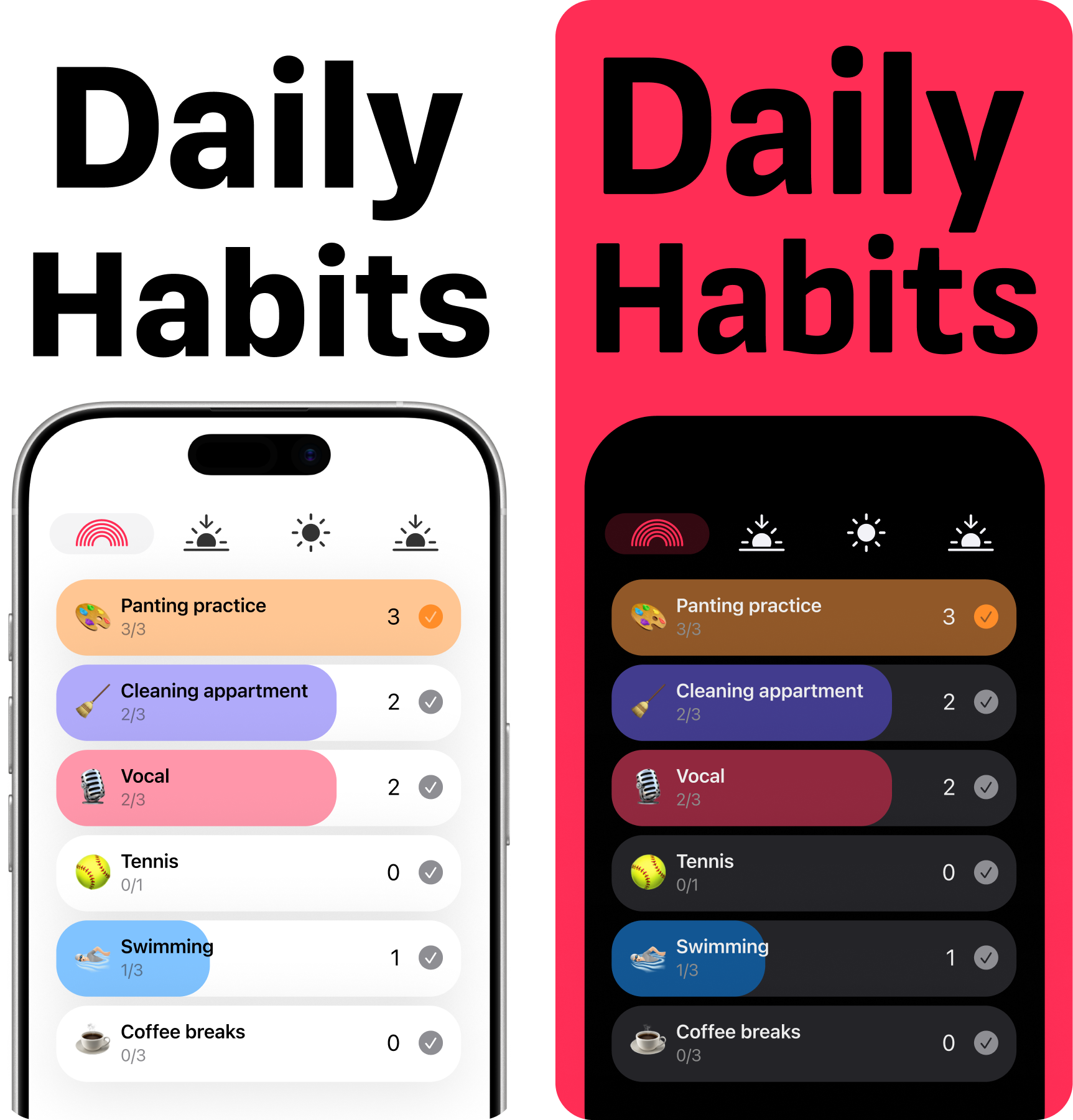
This stage went without stress. Just wanted to stand out. The App Store feed turned out very bland — pastels, same mood. I went the opposite way. Added brightness. Switched main color from blue to pink. The icon and focus on female audience played their part.

No shock from references. Calmly went through options. From too neutral to obviously unnecessary.
Blue felt cold. Green — too health-focused. Pink gave the right emotion and memorability.
Strengthened key elements. Removed clutter. Sent the build to TestFlight and checked in real use.
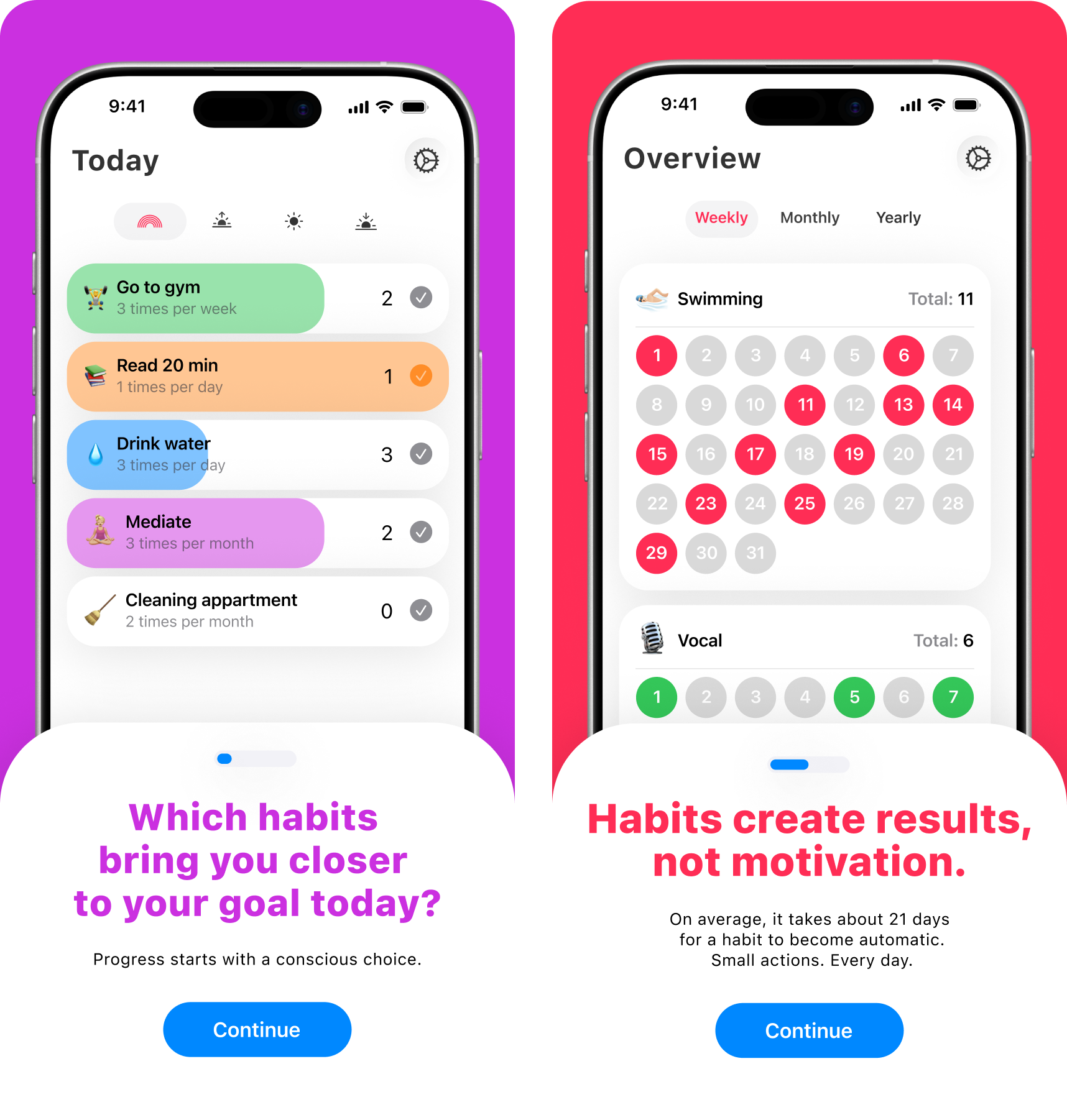
I already understood onboarding mechanics. So this time I didn’t explain the interface. Sold the value. Questions, emotion, short phrases, animations. Onboarding became part of the product, not an intro.

The marketer helped me see onboarding differently. Not as a feature list, but as a point to sell value.
Thought through where video is needed and where native solutions are enough. Ended up staying in Xcode — more reliable.
Did animations with basic Swift knowledge. Even without them onboarding works — text and structure hold it.
Conclusions
OpenPLC, Ignition Perspective and SQLite: order in events, KPIs and downtime causes.

OpenPLC and Ignition: ladder logic, a Structured Text state machine, sensor feedback, and verifiable normal cycles.

Enterprise monitoring for a nuclear plant: system states, engineering constraints, and 3D storage logic.