
Tank Level Control
OpenPLC, Modbus TCP, and Ignition: from ladder logic to a verifiable operator scenario.

This case study is not about a single screen. I built the data path for one pump: commands and feedback in OPC UA, a process model in the Gateway, SQLite snapshots, and the state an operator sees in Perspective.
I started with the tags and the pump behaviour. Then I moved persistence into Named Queries and checked that SQL shows the same process with an understandable time difference. Only after that did I build the screen where live state and the latest database record appear together.
The practical goal was to start the pump, see values change, persist them in history, and run through a controlled fault and recovery. This is a learning prototype, not a production or safety-certified system.


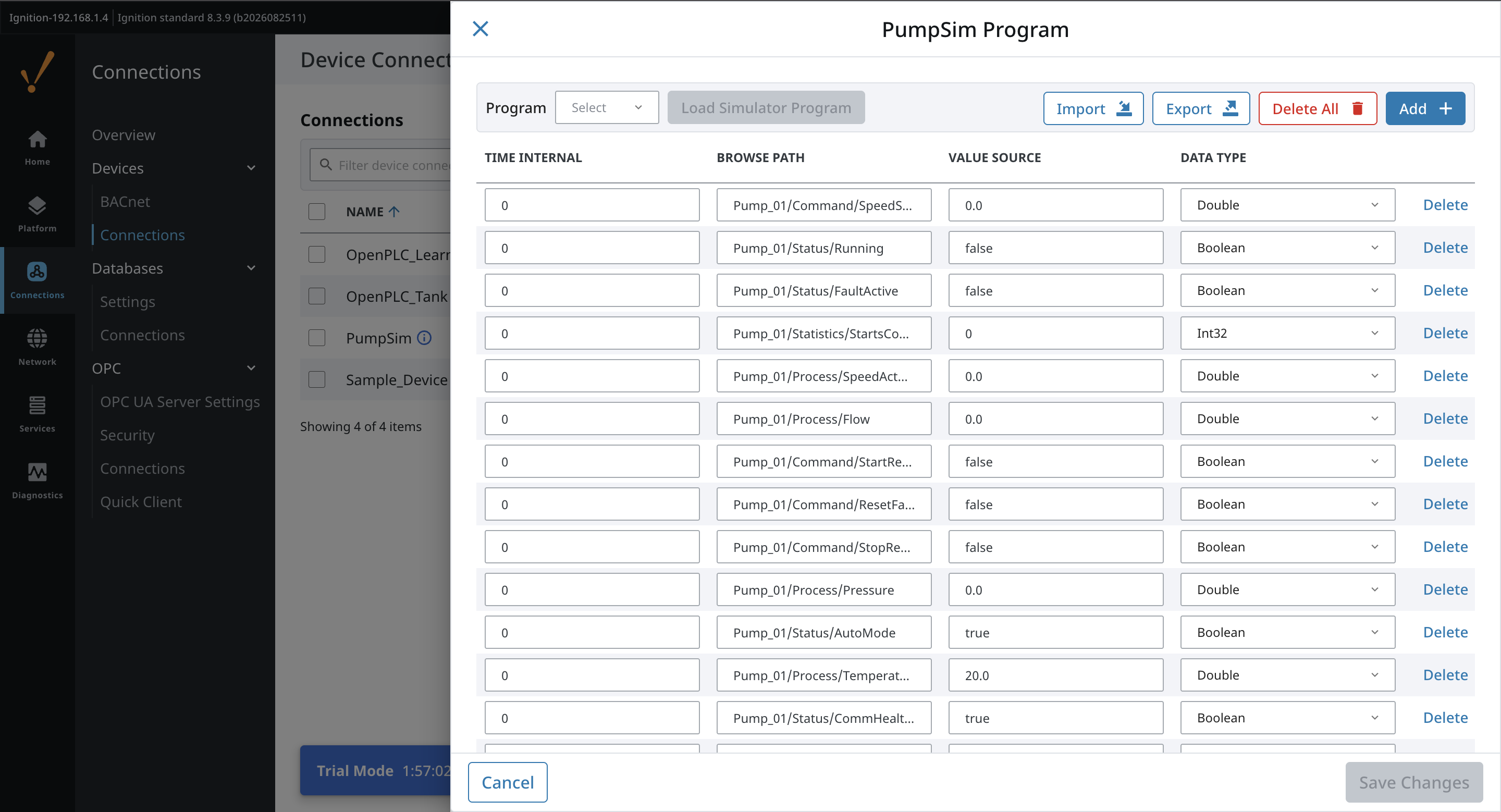
I started with a programmable OPC UA device. It contains commands, statuses, process values, and counters. The Gateway Timer reads requests once per second, calculates the pump response, and writes only the actual feedback.
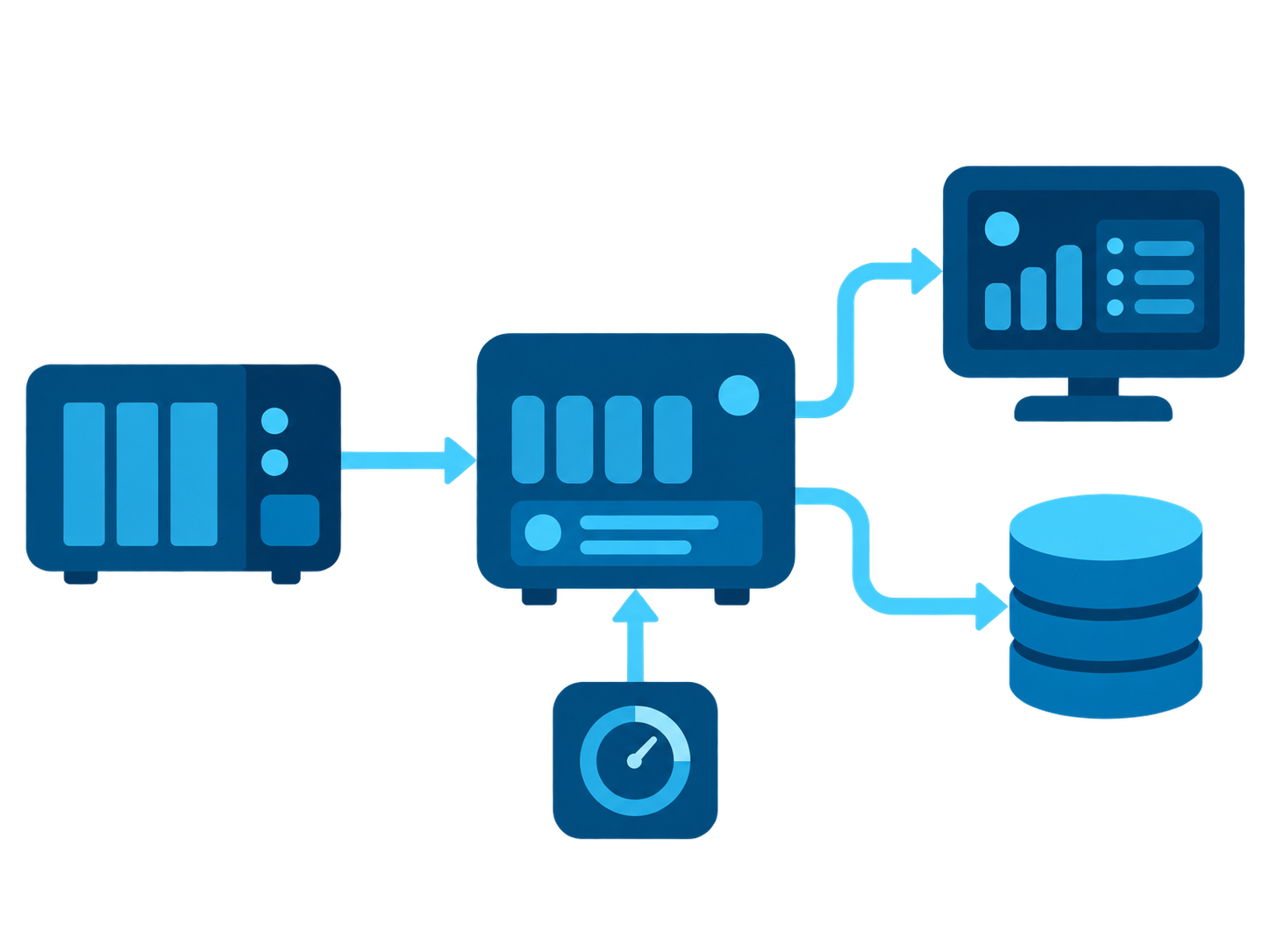
I first connected to the OPC UA endpoint and checked the namespace. This establishes where Ignition reads data from and which node paths the project uses.
Using browsing, I checked the Pump_01 structure and fixed nodes for commands, statuses, process values, and counters. StartRequest remains a request, not the actual pump state.
Subscriptions update Running, FaultActive, speed, pressure, temperature, and flow. The Gateway model calculates them, and both the HMI and SQL logger read the same values.
After the model, I added a second Gateway Timer. It saves a snapshot to SQLite every five seconds. Named Queries return the latest row for the SQL panel and the last ten minutes of history for the table.
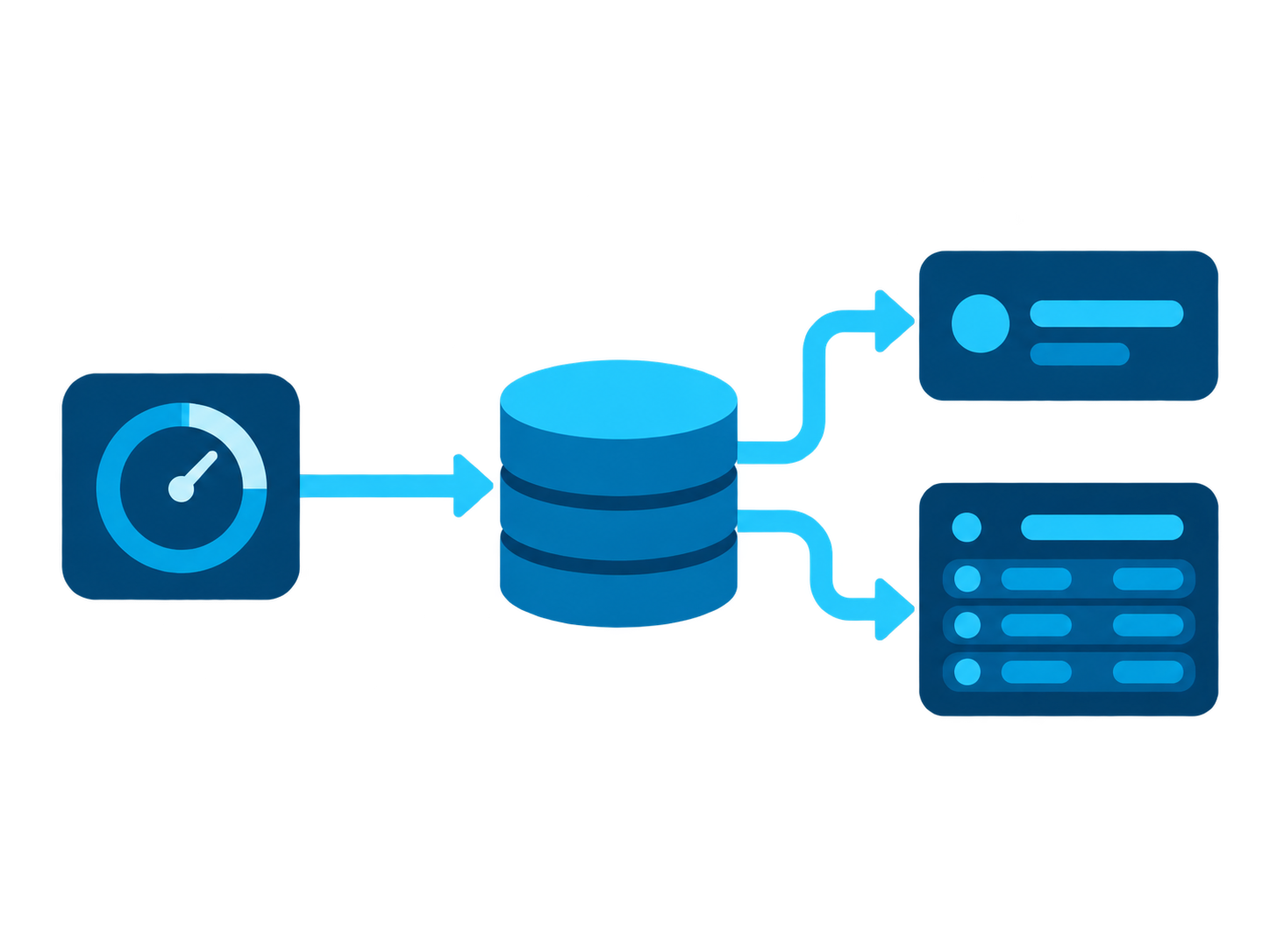
Each row stores time, Pump_01, state, speed, pressure, temperature, and flow. The database therefore records a process fact, not a screen state.
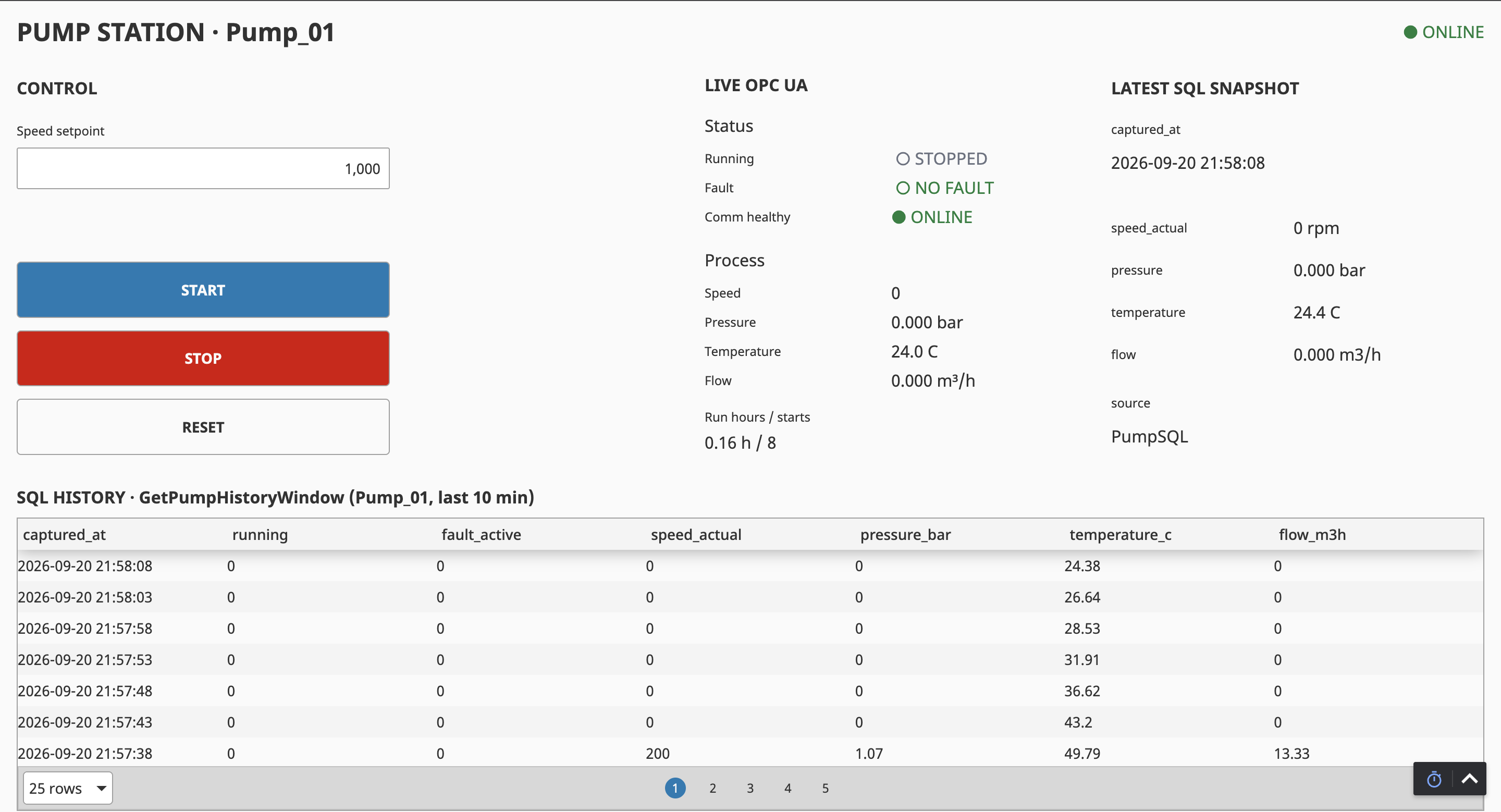
GetLatestPumpSnapshot returns the newest persisted snapshot for a dedicated panel. It is not a copy of live tags; it is the result of a SQLite write.
GetPumpHistoryWindow returns recent rows with the newest first. A small difference from the live value is expected during a ramp because SQL writes every five seconds.
CREATE TABLE IF NOT EXISTS process_snapshot (
    id INTEGER PRIMARY KEY AUTOINCREMENT,
    captured_at TEXT NOT NULL DEFAULT CURRENT_TIMESTAMP,
    equipment_id TEXT NOT NULL,
    running INTEGER NOT NULL,
    fault_active INTEGER NOT NULL,
    speed_actual REAL NOT NULL,
    pressure_bar REAL NOT NULL,
    temperature_c REAL NOT NULL,
    flow_m3h REAL NOT NULL
);

INSERT INTO process_snapshot (
    equipment_id,
    running,
    fault_active,
    speed_actual,
    pressure_bar,
    temperature_c,
    flow_m3h
) VALUES (
    :equipment_id,
    :running,
    :fault_active,
    :speed_actual,
    :pressure_bar,
    :temperature_c,
    :flow_m3h
);SELECT
id, captured_at, equipment_id, running, fault_active,
speed_actual, pressure_bar, temperature_c, flow_m3h
FROM process_snapshot
WHERE equipment_id = :equipment_id
ORDER BY id DESC
LIMIT 1;SELECT
captured_at, running, fault_active, speed_actual,
pressure_bar, temperature_c, flow_m3h
FROM process_snapshot
WHERE equipment_id = :equipment_id
AND captured_at >= datetime(
'now',
'-' || :lookback_minutes || ' minutes'
)
ORDER BY captured_at DESC;
-- equipment_id: String (Pump_01)
-- lookback_minutes: Int4 (10)Once communication and persistence were stable, I built the operator screen. Commands, live OPC UA state, the latest SQL record, and history sit together, so the full path from command to persisted result can be checked instead of a single tag or query.
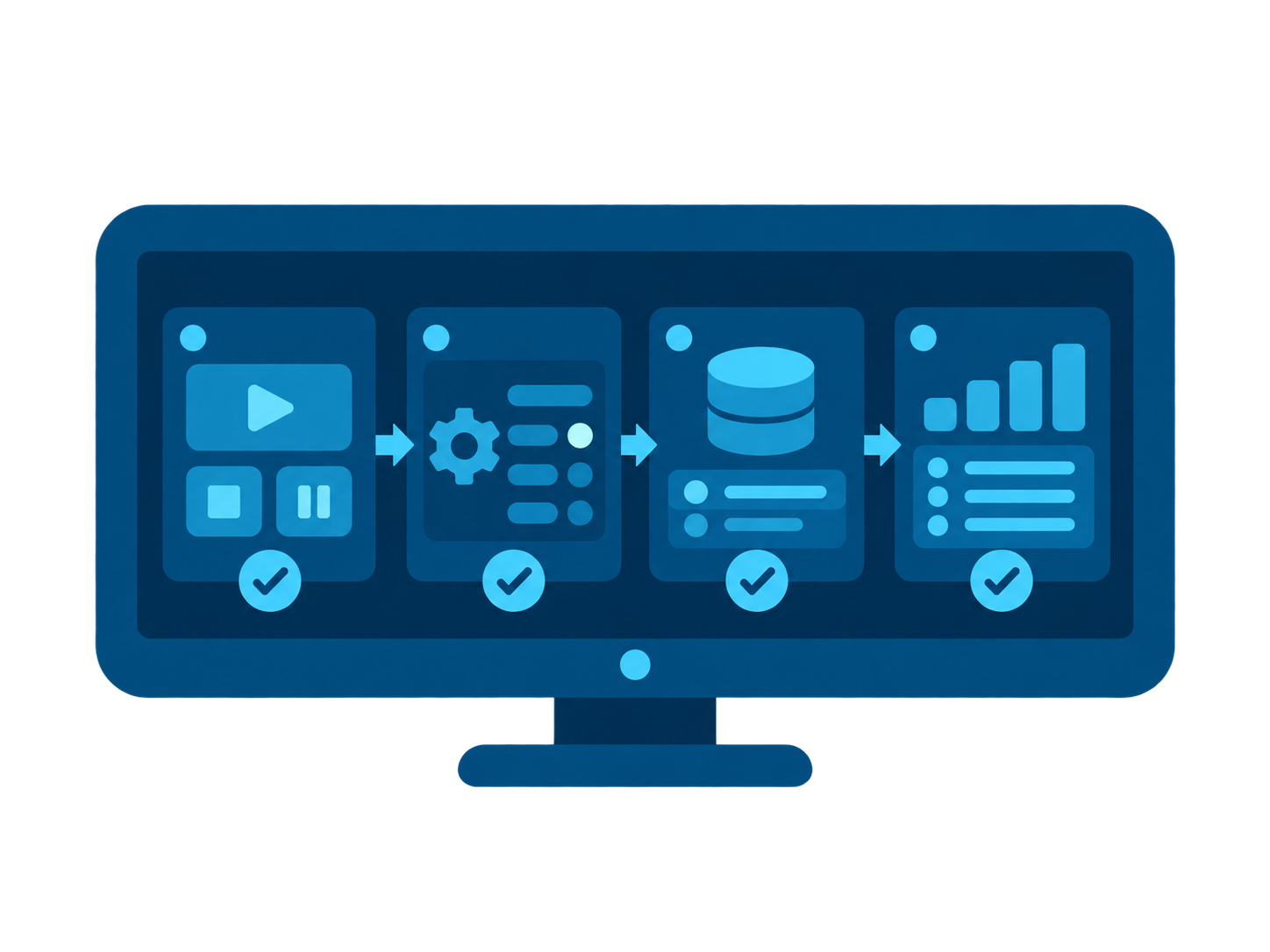
After STOP, the screen reports STOPPED. Speed, pressure, and flow return to zero, temperature decays toward ambient, and SQL keeps the complete cooldown trace.
After entering a setpoint and pressing START, the pump enters RUNNING and ramps toward the target. SQL shows the changing speed, pressure, temperature, and flow.
At the trip condition, the model stops the pump and persists the transition into faulted cooldown. Once it has cooled, RESET permits a new start.
What this project demonstrates:
OpenPLC, Modbus TCP, and Ignition: from ladder logic to a verifiable operator scenario.

OpenPLC, Ignition Perspective and SQLite: order in events, KPIs and downtime causes.

OpenPLC and Ignition: ladder logic, a Structured Text state machine, sensor feedback, and verifiable normal cycles.